

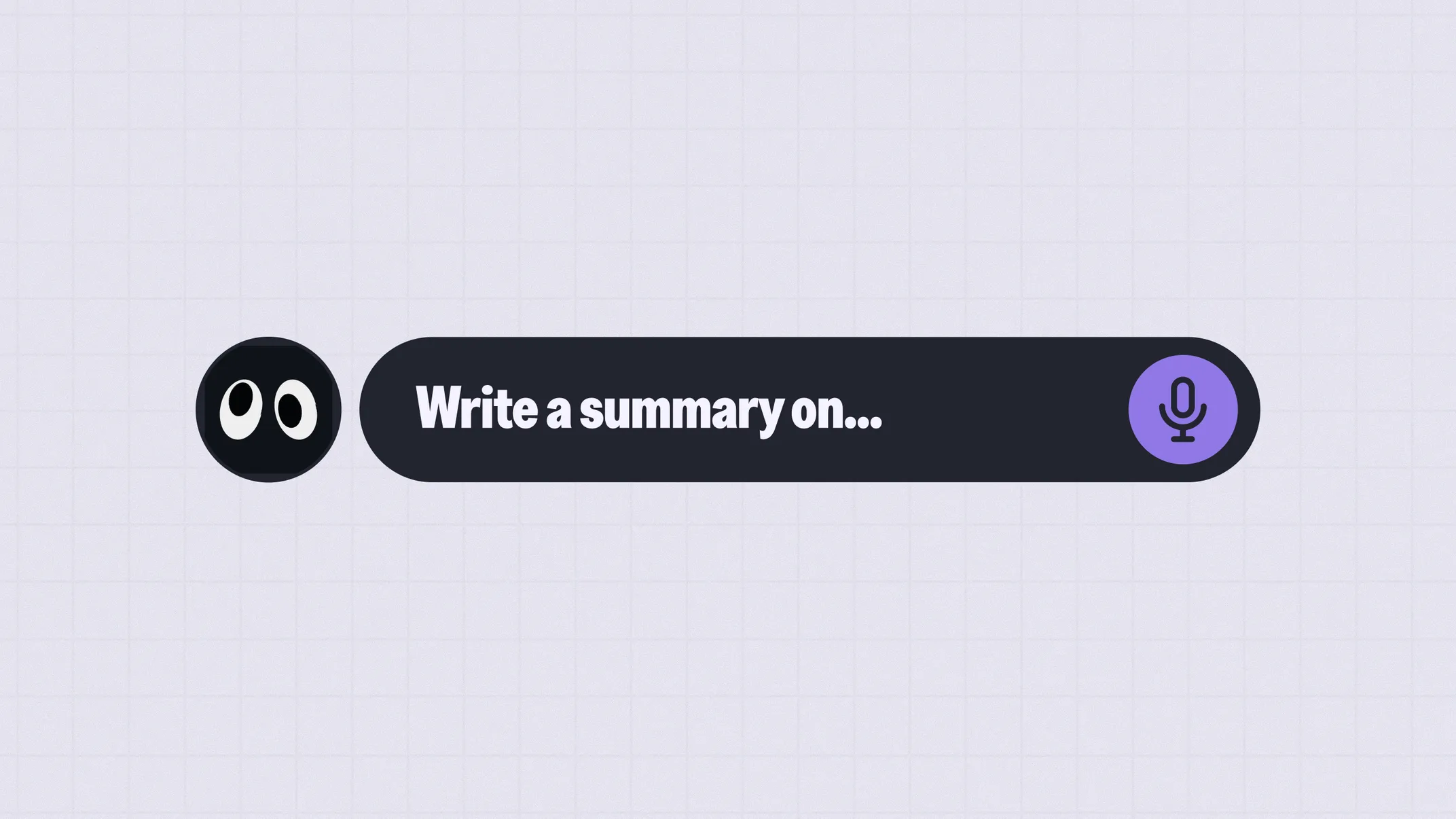
How to Use AI to Write Summaries
You've got a chapter to read, notes to review, and a test coming up. And its just too much content to read and digest. In this case AI Summaries can save your day. AI summarization turns long texts into short, clear overviews, so you can focus on what matters. It scans your content and pulls out the key points in seconds. Think of it as your personal study assistant that always knows what relevant parts to read and learn.
Step-by-Step: How to Use AI for Summaries
Here's how to get the best results when using AI to summarize your study material.
1. Prepare Your Material
Before you ask AI to summarize anything, take a moment to gather your material. This could be:
-
Lecture notes
-
Textbook chapters
-
Study guides
-
Your own notes from class
The better your input, the better your output. If your notes are scattered across different places, pull them together first. You don't need everything to be perfectly organized, but having it all in one place helps.
Clean, readable text works best, but don't worry if you're working with photos or screenshots. Most AI tools can handle those too. You can even upload multiple documents at once, which is a huge time-saver when you're revising across several topics.
One tip: If you're summarizing a long chapter, consider breaking it into sections. Smaller chunks often give you more focused, useful summaries than dumping in 20 pages at once.
2. Choose the Right Tool
There are plenty of AI tools out there, and most of them can help you create summaries. Here's a quick overview:
-
ChatGPT: One of the most popular options. It's versatile and handles all kinds of topics well.
-
Claude: Known for longer, more detailed responses. Great if you want thorough explanations.
-
Gemini: Google's AI, which works nicely if you're already using Google Docs or Search.
-
Knowunity: Built specifically for school students. It understands academic content and is designed around how you actually study.
Honestly, all of these tools will work. The real difference comes down to personal preference and what feels easiest to use. What matters most is how you use them, the quality of your input and your prompts makes the biggest difference. We'll cover how to write an effective prompt next.
3. Write an Effective Prompt
This is where most students go wrong. They paste in a wall of text and type "summarize this", then wonder why the result isn't useful.
AI tools are powerful, but they're not mind readers. The more context you give, the better your summary will be. Think about what you actually need: Is this for a quick revision before class? Are you trying to understand a tricky concept? Do you need bullet points for flashcards? What subject and class are the summaries for?
Once you know that, write a prompt that tells the AI exactly what you want. Here are some examples:
-
"Summarize this chapter in 5 bullet points. Focus on the main arguments."
-
"I have a biology test tomorrow. Give me a short overview of this text that I can use for revision."
-
"Explain the key concepts in simple terms. I'm in year 10 and struggling with this topic."
-
"Turn these notes into a paragraph I could use in an essay introduction."
Notice how each prompt gives context? You're telling the AI who you are, what you need, and how you'll use it. That's what turns a generic response into something genuinely helpful. All prompts above are comparably short, feel free to give the AI even more context.
Don't be afraid to follow up either. If the first summary is too long, ask for a shorter version. If it missed something important, point that out. It's a conversation, not a one-shot request.
Finally, always review what you get back. AI gives you a strong starting point, but it's not perfect. Read through the summary, check if it makes sense, and ask a follow-up if something's missing or unclear.
Quick Cheat Sheet
- Be specific: Tell the AI the format you want (bullet points, paragraph, one-page overview)
- Give context: Mention your subject, grade level, and what it's for (exam, essay, revision)
- Review & refine: Always read through and ask follow-ups if something's missing
When to Use AI Summaries (and When Not To)
AI summaries are incredibly useful, but they're not the right tool for every situation. Knowing when to use them (and when to skip them) will make your studying more effective.
Use AI summaries for:
-
Exam prep: Quickly review large amounts of material
-
Understanding dense texts: Break down complex ideas
-
Revision sessions: Refresh your memory efficiently
Be careful with:
-
Essays requiring your own analysis: A summary won't give you original arguments or a personal perspective. You still need to do the thinking.
-
Topics you need to master deeply: If it's a core subject or something that'll come up again and again, take the time to read properly. Summaries give you the headlines, not the full picture.
-
Short texts: If the original is already a page or two, summarizing it won't save much time. Just read it.
The bottom line: AI summaries are a tool, not a shortcut. Use them to study smarter, but don't let them do all the thinking for you.
Start Summarizing Smarter
AI won't do the learning for you, but it can save you hours of time. Ready to try it yourself? Explore Knowunity's AI summary tool and see how much faster studying can be.


Try AI-Powered Summaries
Stop spending hours reading textbooks. Let Knowunity's AI create focused summaries of your study material so you can learn faster and remember more.
Ίσως σου αρέσουν και αυτά
 Glow-up
Meet Knowie: a new look for the future of learning
Knowunity is the leading AI learning app for +35M students across 30 countries. We envision a future in which a billion students learn with their personal companion every day. Today, that future gets a new face.
 Behind the Scenes
How Knowunity Ships 3x Faster with Flutter, Gemini and BigQuery
Google featured Knowunity in a developer story about scaling a learning companion to 8–10 million monthly users across 26 countries. Here is what we told them, and what it means for how the app you use gets built.
 News
NewsKnowunity Named Germany's Number One Consumer App by Sifted
Sifted's inaugural Consumer 100 ranks Europe's breakout consumer tech startups. Knowunity is number one in Germany.
 AI Tools
Best ChatGPT Alternatives for School
ChatGPT is great, but it's not your only option. Discover the best AI tools for high school students, from research and writing to homework help and studying.
 AI for Education
The 10 Best Prompts for School
Master AI for schoolwork with these 10 ready-to-use prompts. Learn how to write effective prompts that get you exactly what you need for homework, studying, and test prep.
 Study Tools
How to Automatically Turn Your Notes into Flashcards with AI
Stop spending hours creating flashcards manually. Learn how to use AI tools like ChatGPT and Knowunity to automatically generate effective flashcards from your notes in minutes.
 Math Help
How to use AI to solve math problems (step-by-step)
Struggling with math homework? Learn how to use ChatGPT and Knowunity to solve and understand math problems step-by-step. Transform your math learning with AI.
 Study Tips
How to Use AI to Plan Your Study Week
Learn how to use AI tools like ChatGPT to build a realistic, flexible study plan in minutes. Stop wasting time on planning and start actually studying.